Full-text search
Search titles, tags, OCR text, and AI descriptions.
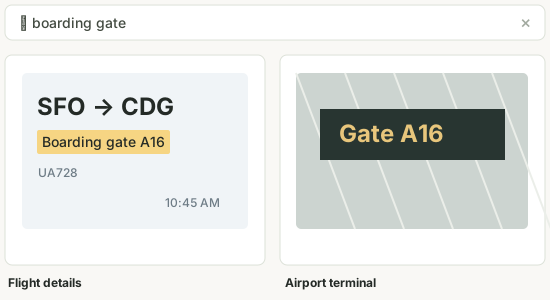
SQLite FTS5 · Phrase search · Combined filters
 Screenshot Vault
Native macOS app
Capture, organize, and edit screenshots on your Mac. Search text with on-device OCR, or add descriptions using an optional AI service.
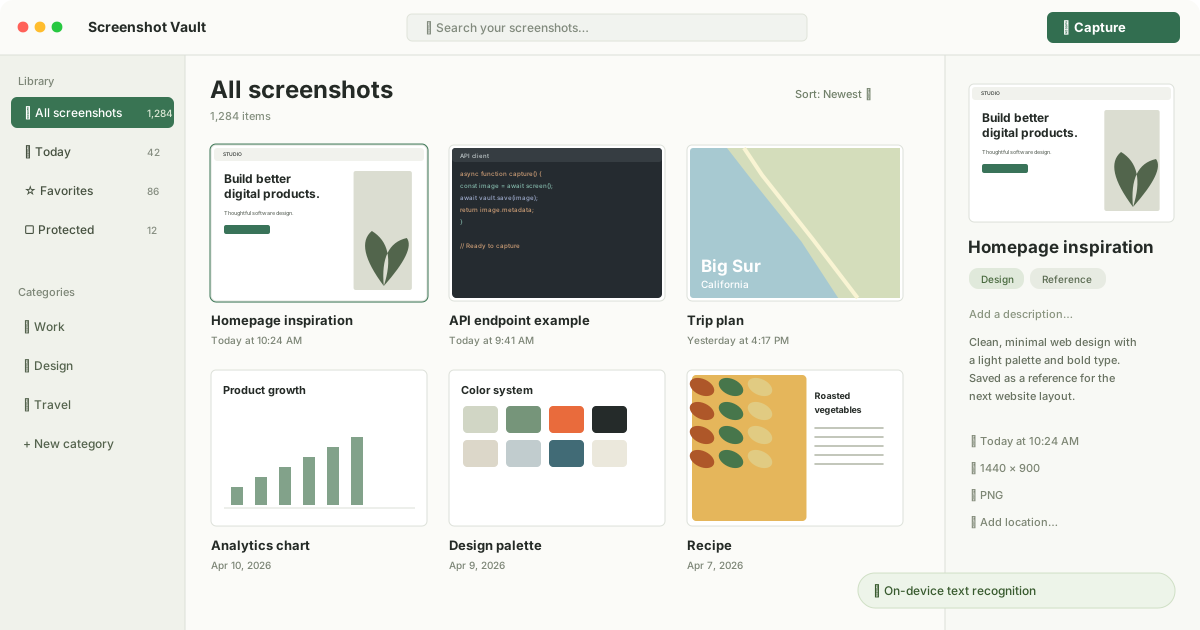
Images on disk. Metadata in SQLite.
Text recognition with Apple Vision.
Local or cloud models. Off by default.
Features
Screenshot capture, full-text search, image editing, and screen recording.
Search titles, tags, OCR text, and AI descriptions.
SQLite FTS5 · Phrase search · Combined filters
Crop, annotate, redact, and copy an edited image.

Originals retained · Edits saved as PNG revisions
Illustrative previews
Region, window, or display. Configurable shortcuts.
Full-page capture with page title and source URL.
H.264 MP4 with optional system audio and microphone.
Favorites, categories, tags, and verified backups.
Technical details
Ordinary captures are stored in ~/Pictures/Screenshot Vault/. Metadata and the search index use a local SQLite database.
Optional AI supports OpenAI, Anthropic, OpenRouter, Ollama, and LM Studio. Cloud analysis sends selected content to your chosen provider.
Protected screenshots use a separate AES-256-GCM encrypted store. Ordinary captures are not encrypted.
macOS application
The first public release is in preparation.
View release notes